Hi saverio74,
I don't know how do it
Multiple ways to do it:
- put your sd card back in your PC or Mac and open /boot/config.txt with an editor
- get access to the console and use
nano /boot/config.txt
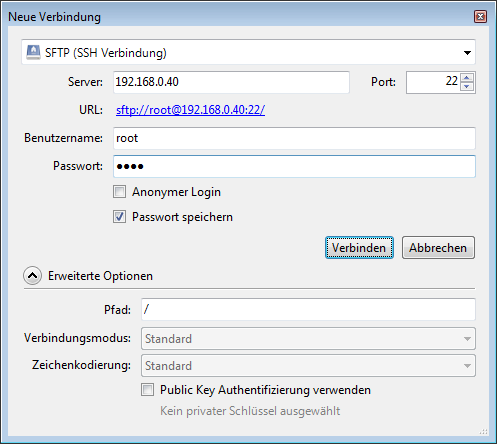
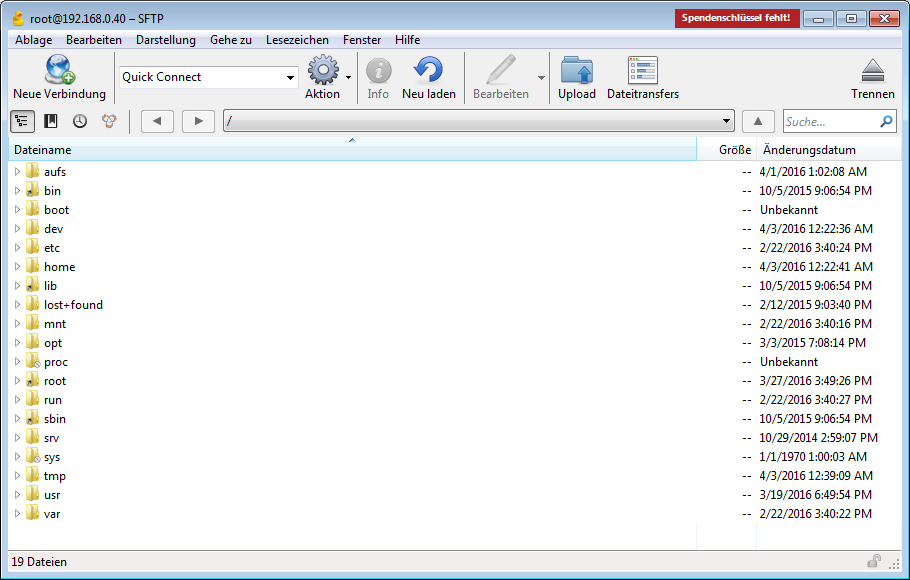
- install a sftp client like Cyberduck
You have to remove the # in front of the line with your DAC
# Uncomment one of these lines to enable an audio interface
#dtoverlay=hifiberry-dac
#dtoverlay=hifiberry-dacplus
#dtoverlay=hifiberry-digi
#dtoverlay=hifiberry-amp
dtoverlay=iqaudio-dac
#dtoverlay=iqaudio-dacplus
- Get access to the console:
Use SSH from your PC
- If you are not familiar with SSH read this for Windows or this for Linux/MacOS
The default login for RuneAudio is "root" with the password "rune" (without quotes).
Cyberduck
Frank

